COALA-LiVE translates and guides
you in ONLINE MEETING
*No Credit Card Required
Millions join global meetings every day
Yet 23% are not native speakers
Fast speech, unfamiliar accents, and complex discussions make it difficult to follow conversations.
You know what you want to say — but struggle to express it quickly enough.
Sometimes you do not even know what to say next. You lost in translation and in context.
Most existing tools help AFTER MEETING
But what you actually need is help DURING THE MEETING
Upload materials for the meeting: Resume, Job description, Lecture slides, or Project documents.
Generates responses based on your OWN CONTEXT, Not generic AI answers
Instantly respond with the right tone and wording. One-click actions: Agree, Disagree, Question, Suggestion.
Never Freeze in a Meeting Again
Lost track of the conversation? COALA-LiVE continuously provides live topic summaries, key discussion points, and context updates.
Never Lose Track of the Meeting
Transcribes 28+ • Translates 28+ Languages
Meeting Language
Translate Language
COALA-LiVE is built with
strict privacy principles
No meeting audio
is stored
Transcription processed
in real time
Encrypted in transit
and at rest
Delete your account
and data anytime
User data is never used
for AI model training
Try before subscribing
Supports Core Lang.
Supports Broader Lang.
Add additional minutes anytime.
Most AI meeting tools focus on recording conversations for later review.
COALA-LiVE is built for the live moment. It tracks meeting context, applies your uploaded materials, and suggests polished responses while the call is still happening.
COALA-LiVE is for people who join high-stakes online meetings and need to respond quickly and clearly.
It is especially helpful for international students, remote professionals, global job applicants, and multinational teams who need real-time communication support when the meeting is happening in a language that is not their own.
No. COALA-LiVE runs as a standalone desktop overlay and does not join your call as a participant or bot.
Other participants only see it if you choose to share your screen.
Yes. COALA-LiVE listens to your system audio and runs independently from meeting apps, so it works across Zoom, Microsoft Teams, and Google Meet.
It is not tied to one platform, and you can also keep it on for webinars or video-based training sessions.
COALA-LiVE supports 28 meeting transcription languages and 28 translation languages as of now.
1. Meeting Transcription Language:
A. Romance Plan: English, Portuguese, Spanish, French, German, Italian.
B. Global Plan: English, Portuguese, Spanish, French, German, Italian, Japanese, Korean, Chinese, Indonesian, Vietnamese, Thai, Russian, Hindi, Arabic, Urdu, Turkish, Telugu, Marathi, Tamil, Persian, Dutch, Kannada, Malay, Polish, Romanian, Tagalog, Ukrainian.
2. Translation Language:
English, Korean, Japanese, Spanish, French, Chinese, Hindi, Arabic, Portuguese, Russian, Indonesian, Urdu, German, Marathi, Vietnamese, Telugu, Turkish, Tagalog, Tamil, Persian, Malay, Thai, Italian, Kannada, Polish, Ukrainian, Dutch, Romanian.

If microphone or system audio permissions are not granted, or the input/output device is not selected correctly on macOS/Windows, COALA-LiVE may fail to capture audio.
Please check SETUP GUIDE for OS-specific permission and audio device setup steps.
Downloads can be blocked by browser security, SmartScreen, antivirus policies, or file blocking settings.
Please check SETUP GUIDE for step-by-step fixes for Windows download restrictions.
Install the desktop app for your device (macOS or WIN64), then run it alongside your meeting app.
For the full setup and usage flow, please see USER GUIDE.
GRASP
CONTEXT
AND
LEAD
ON
*No Credit Card Required
We will send you desktop app
download link to your email
Downloading..
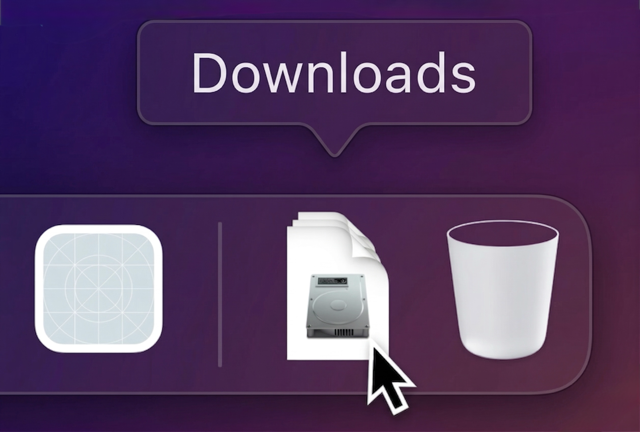
Open COALA-LiVE.dmg from your Downloads folder
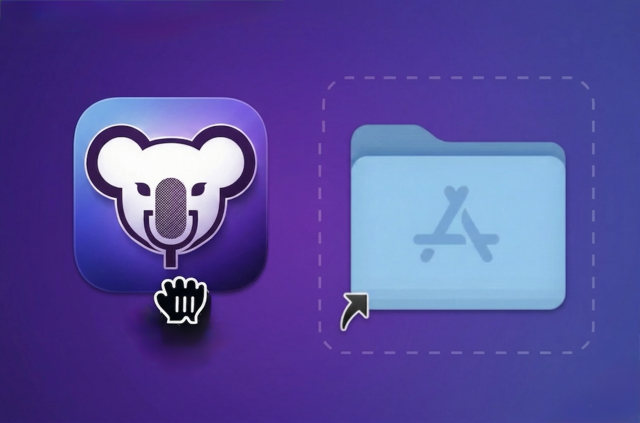
Drag the COALA-LiVE icon into your Applications folder
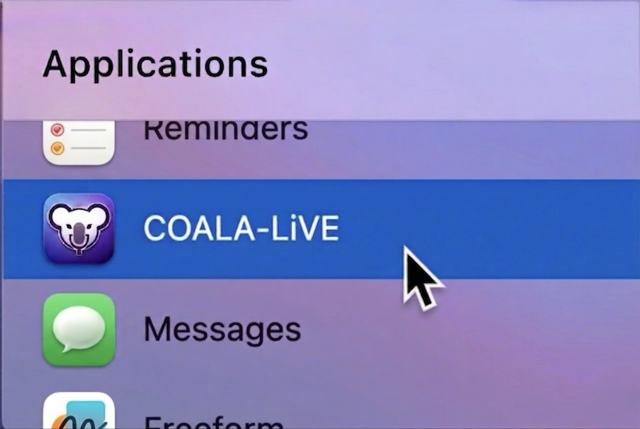
Open the COALA-LiVE app from your Applications folder
🦘? Download Again 🐨!